Open social media promises a world where you can post from one platform and reach everyone, regardless of where they hang out online. But making that promise a reality often requires a little extra effort. This guide breaks down ten critical things you need to know to link accounts across Mastodon, Bluesky, and other federated services—so you can broadcast your voice without being locked inside any single walled garden.
1. Interoperability: The Core Promise
Interoperability means you can post on Mastodon and have someone on Bluesky read and interact without them needing a Mastodon account. Think of it like email: you use Gmail, they use Outlook, but messages flow freely. On the open social web, this is still a work in progress because different platforms use different protocols (ActivityPub for the Fediverse, AT Protocol for Bluesky). Bridging tools fill that gap, making cross-platform communication possible today.
2. The Fediverse vs. the ATmosphere
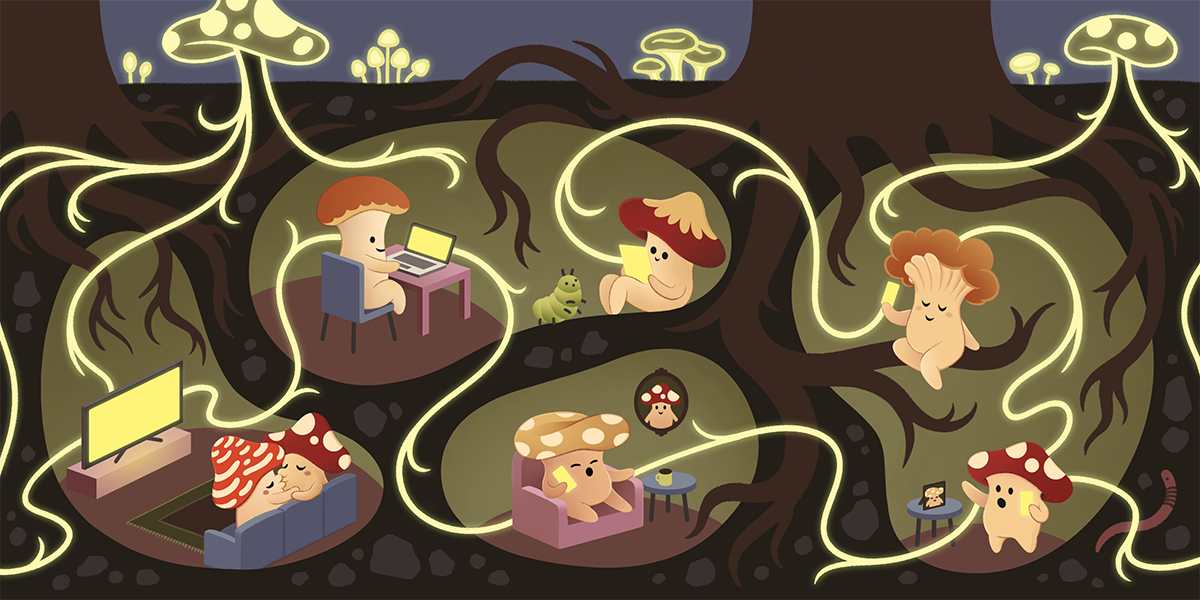
The Fediverse (Mastodon, Pixelfed, PeerTube) runs on ActivityPub, while Bluesky's network—the ATmosphere—uses the AT Protocol. They aren't natively compatible. That's why a bridge is necessary. A bridge acts like a translator, converting posts from one protocol to another so your content reaches audiences on both sides. Without it, each platform remains isolated, defeating the purpose of an open social web.
3. The POSSE Philosophy
POSSE stands for "Publish (on your) Own Site, Syndicate Elsewhere" (or sometimes "Share Everywhere"). The idea: you post once to your primary home—maybe your own website or a single social account—then automatically distribute copies to other platforms. This way, you control your content, and followers on different networks can see it without needing to join your primary platform. Bridging is a key tactic for implementing POSSE without a personal website.
4. Why You Need a Bridge
Even if you don't run your own blog, bridging matters. If a friend uses Threads and you're on Mastodon, you shouldn't have to create another account just to interact with them. A bridge lets your Mastodon posts appear as Bluesky posts (or vice versa), and replies flow back. It's not a niche concept: major platforms like WordPress and Ghost now integrate ActivityPub directly, making bridging seamless. The goal is to break down account-based walled gardens.
5. Bridgy Fed: The Simplest Option
Several bridging services exist—Fedisky, RSS Parrot, pinhole—but Bridgy Fed is the easiest for most people. It's free, open source, and requires no technical setup beyond following a special bridge account. Bridgy Fed supports Mastodon, Bluesky, and Nostr, among others. Once you connect, your posts automatically syndicate to the bridged network, and replies come back as mentions. It's the quickest path to interoperable posting.
6. Step by Step: Mastodon to Bluesky via Bridgy Fed
- From your Mastodon account, search for the handle @bsky.brid.gy@bsky.brid.gy and follow it.
- The bridge account will follow you back almost instantly.
- Any public post you make from that point onward will be copied to your Bluesky account (which you'll need to have created beforehand).
- Replies from Bluesky users will appear as mentions on your Mastodon side.
- Optionally, you can also follow Bluesky users from Mastodon by searching for their bridged handle (e.g., @user.bsky.social@bsky.brid.gy).
That's it—no plugins, no API keys. Just follow and post.

7. Alternative Bridges Worth Knowing
Besides Bridgy Fed, Fedisky is a dedicated Mastodon-to-Bluesky bridge with a web interface. RSS Parrot turns any RSS feed into social posts, useful for blogs. pinhole bridges Nostr and the Fediverse. Each has its own setup and features, but Bridgy Fed remains the most straightforward for person-to-person cross-posting. If you need more control (e.g., selective bridging), explore these alternatives.
8. How WordPress and Ghost Make It Easier
If you run a blog on WordPress or Ghost, you can enable ActivityPub plugins that automatically send your new posts to the Fediverse. No separate bridge needed—your blog becomes a native Fediverse account. This is POSSE in action: you post on your site, and it fans out to Mastodon and beyond. Some plugins also support the AT Protocol, directly feeding your blog posts into Bluesky.
9. The Bigger Picture: Breaking Walled Gardens
The internet was built on open protocols like HTML and RSS. Social media's walled gardens—Facebook, Twitter (X), Instagram—are a deliberate choice to privatize communication. Bridging and POSSE push back against that. Every time you use a bridge, you increase the value of the open social web, making it harder for corporations to lock you in. It's a small act with big implications for online freedom.
10. What's Next for Open Social Bridging
The technology is evolving. More platforms are adopting ActivityPub (like Threads and Tumblr), while Bluesky is developing its own federation. Eventually, native interoperability may eliminate the need for third-party bridges. But until then, tools like Bridgy Fed keep the promise alive. Start bridging today—pick one account, follow the steps above, and help build the open social web one post at a time.
Bridging your accounts isn't just about convenience; it's about reclaiming the internet's original openness. By following this list, you'll ensure your voice reaches beyond any single platform. Give it a try—you might be surprised how connected the social web can feel when you build a bridge.