For years, I treated HDMI as the humblest cable in my setup—just a black wire that carried a picture. I plugged it in, the screen lit up, and I moved on. But recently, I discovered three hidden features that completely changed my perspective. These aren't just video cables; they're multipurpose tools for audio, control, and gaming performance. Let me show you what I found.
1. The Audio Return Channel (ARC) That Makes Your Soundbar Sing
The first hidden gem is HDMI ARC. This feature turns your HDMI cable into a two-way street for sound. Instead of needing a separate optical or auxiliary cable to get audio from your TV to a soundbar, ARC lets the TV send audio back through the same cable that's already connected. It's like giving your soundbar a direct line to everything your TV plays—streaming apps, built-in tuner, even console games. To activate it, you just need an HDMI port labeled "ARC" on both your TV and soundbar, then enable the feature in your TV's audio settings. The result? Cleaner setup, fewer cables, and often better syncing. This is how I finally stopped using my soundbar's remote for volume and let the TV handle it all.
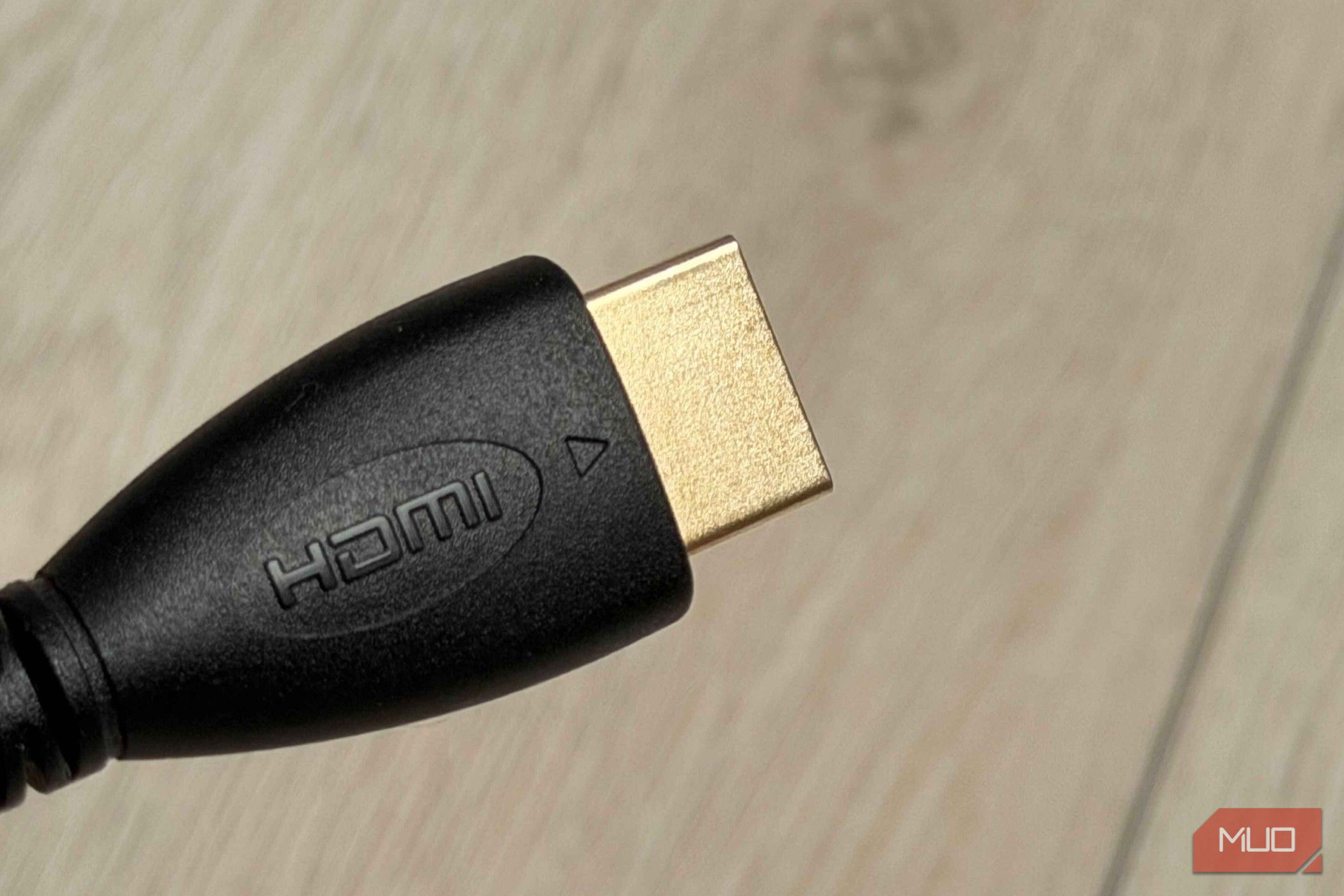
2. Consumer Electronics Control (CEC) for One-Remote Heaven
Next up is HDMI-CEC, a feature that lets your devices talk to each other through the cable. If you've ever wished you could control your PS5, TV, and soundbar with a single remote, this is it. When enabled, CEC allows your TV remote to power on everything at once, switch inputs automatically, and adjust volume across devices. For instance, I turned on my PS5 and my TV switched to the right input, the soundbar powered up, and my remote controlled the volume—all without extra configuration. It's hidden in your settings under names like Bravia Sync, Anynet+, or SimpLink, depending on the brand. Just dig into your TV's menu, turn it on, and watch the magic happen. No more juggling three remotes.
3. Variable Refresh Rate (VRR) for Butter-Smooth Gaming
The third feature is a game-changer for anyone with a PS5 or Xbox. HDMI VRR (Variable Refresh Rate) synchronizes your console's frame output with your TV's refresh rate in real time. This eliminates screen tearing and stuttering during fast-paced scenes—think racing games or shooters. It's not a setting you usually find in the HDMI basics; it requires an HDMI 2.1 cable and a compatible TV. To turn it on, go to your console's video output settings and enable VRR, then ensure your TV has its VRR or HDMI Ultra HD Deep Color option active. The first time I played a demanding title with VRR, I noticed the movement felt fluid and responsive. It's one of those tweaks that once you try, you can't go back—a subtle but powerful upgrade hidden inside that same black cable.
These three features turned my HDMI from a boring wire into the backbone of my home theater. ARC, CEC, and VRR are just the start—modern HDMI can also carry Ethernet or support eARC for higher-quality audio. So before you dismiss that cable as just a video line, spend a few minutes in your settings. You might unlock a whole new level of convenience and performance.